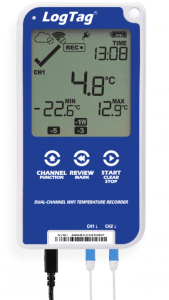
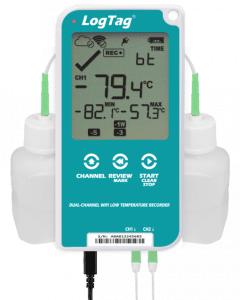
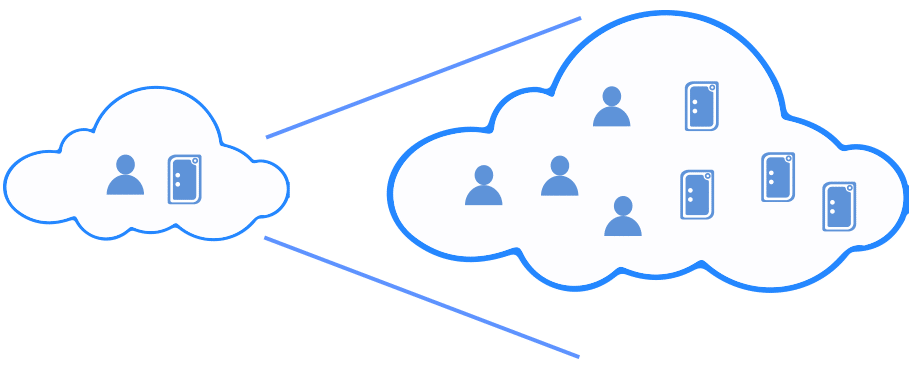
LogTag® Online (LTO) simplifies managing multiple devices, allowing you to securely monitor all your connected loggers from one platform, anytime, anywhere. With customizable dashboards, real-time alerts, and easy data access, you can quickly view, store, download, and share your data, all while staying on top of any excursions.
Simply configure your logger and connect it to your LogTag® Online account.
If you don’t have an account, you can sign up for free!
Sign up for a free account and start monitoring right away, hassle-free. No Activation Code(s) required.
For premium features, a paid account is required. You can purchase activation codes from your local distributor or directly on LogTag® Online.
Click the links below to read more information about LogTag® Online Fixed (VFC users) or LogTag® Online Transit (shipments) monitoring accounts.
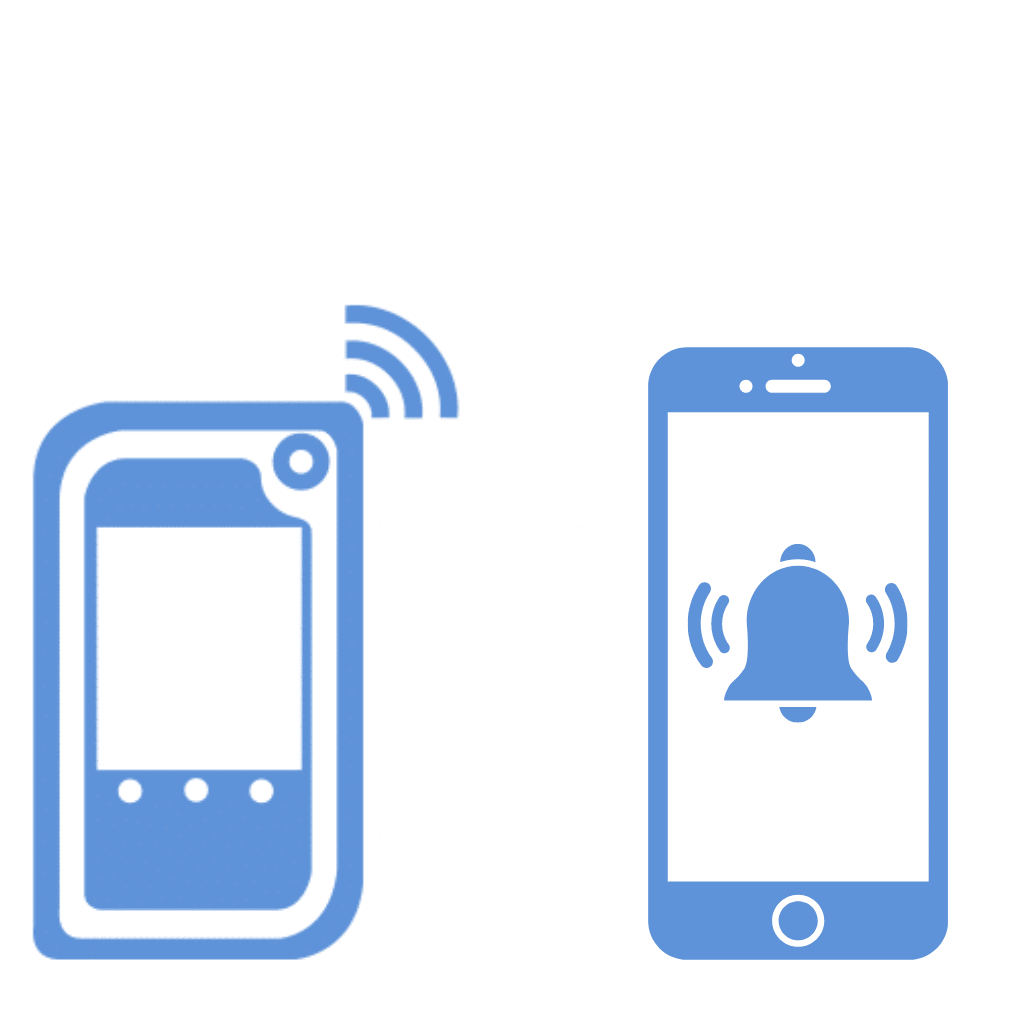
Immediate notification of a temperature excursion is sent via phone call, SMS, WhatsApp, or email.
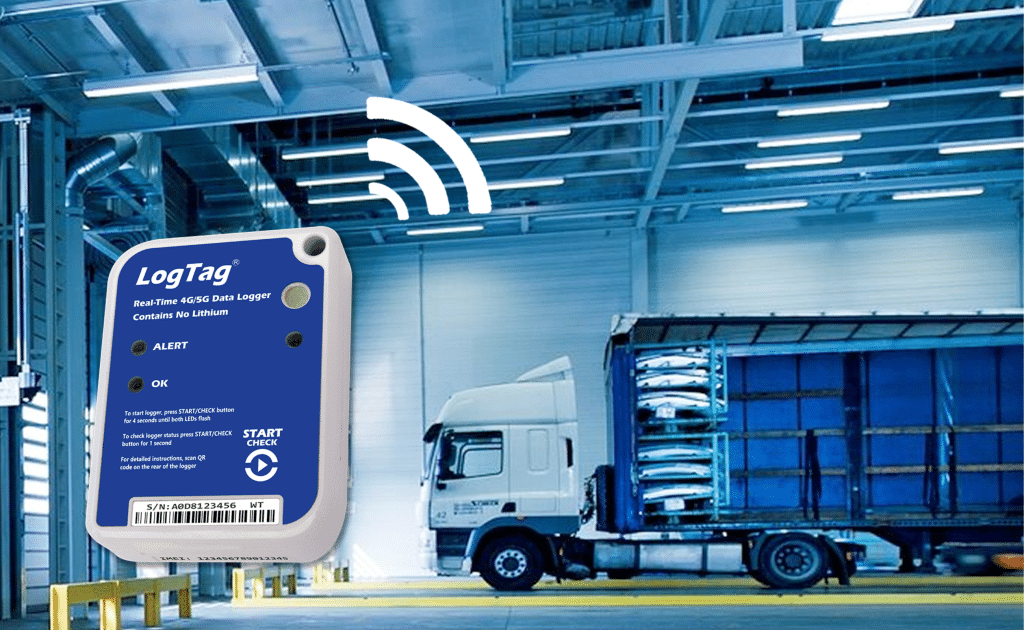
Real-time data is continuously uploaded to the cloud for instant remote monitoring and analysis.
Suitable for all users from transportation and logistics to small clinics and large hospitals.
LogTag Online automates vaccine temperature monitoring and maintains compliance to VFC and CDC Guidelines including 21 CFR.
Access your data through LogTag Online on any device with an internet connection and internet browser.
Setting up your account is quick and easy, then you can access your data online.
LogTag Online can be accessed using any LogTag data logger, so you don’t need to upgrade your existing loggers in order to get started.
Support for LogTag Online is available through LogTag’s Global distribution network.
PDF and CSV logging reports are automatically sent via email.
LogTag Online is committed to providing you with a trusted set of cloud services. We have leveraged our decades-long industry experience building enterprise to create a robust set of LogTag Online security technologies and practices. These work to help reduce the cost, complexity, and risk associated with security in the cloud.
LogTag Online complies with all requirements for electronic records including FDA 21 CFR Part 11. Please click the PDF icon to see how LogTag Online ensures the security and integrity of your records.
Download our LogTag Online Security Compliance PDF to see how LogTag can help you strengthen your security posture, streamline your compliance efforts, and enable digital transformation.
Provided each existing logger is “attached” to the location within LTO, then a logger used with a LTI-WM-WiFi is considered to be a location, and real time data and notifications will be uploaded to LTO.
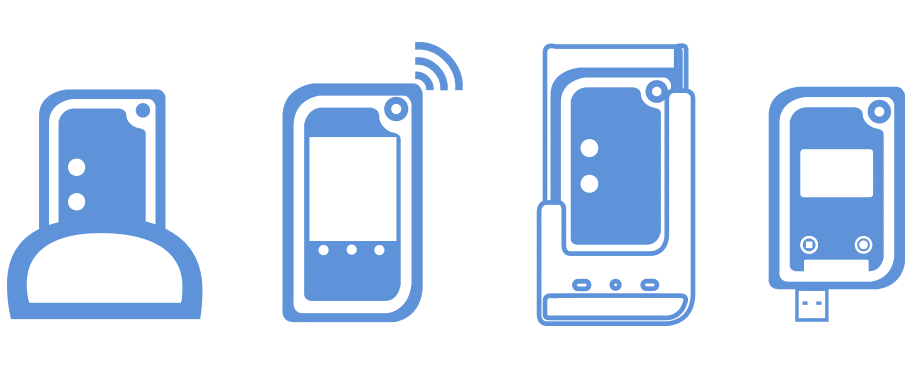
You can upload data from a logger which is attached to a location using a standard USB interface cradle or a WiFi interface cradle.
Yes. If a logger is attached to a location, data uploaded from that logger using a non-WiFi device is also treated as location data. Logger data uploaded to LogTag Online (LTO) via a WiFi device doesn’t appear in location data if the logger is not “attached” to the location. For example, a clinic may have three fridges, one of which contains highly sensitive vaccines which is monitored in real time by a TRED30-16R (attached to the location) + a LTI-WM-WiFi. Data collected from this fridge will appear as real time data in the associated and configured ‘location’ in LTO. The other two fridges contain less-sensitive vaccines and are monitored by TRED30-16Rs which are downloaded weekly. If these TRED30-16Rs are NOT attached to a location, data uploaded weekly to LTO via a LTI-HID or a LTI-WiFi or even a LTI-WM-WiFi will appear as LTD file data in the “LogTag Drive” section of LTO. If these TRED30-16Rs ARE attached to a location, data uploaded weekly to LTO via a LTI-HID or a LTI-WiFi or a LTI-WM-WiFi, will appear in the associated and configured ‘location’. This in turn means that notifications, reports and event logs can be generated for the attached loggers. The key point is not the interface device used, but the attachment (or not) of the logger to the location.

The annual subscription for each location is required regardless of whether the data is uploaded in real time or not. Storage of data files uploaded from loggers NOT attached to a location is free though the number of files limited depending on the account type and number of subscriptions. Data from the loggers can be uploaded to LogTag Online directly using a LTI-WiFi interface cradle, or via a LTI-HID/LTI-USB and LogTag Analyzer 3.
Affected services: LogTag® Online has been updated to version 1.18.9 at 11:30am 9th February 2026 (NZDT).
We use cookies to improve your experience on our site. By using our site, you consent to cookies.
Manage your cookie preferences below:
Essential cookies enable basic functions and are necessary for the proper function of the website.